 By
By 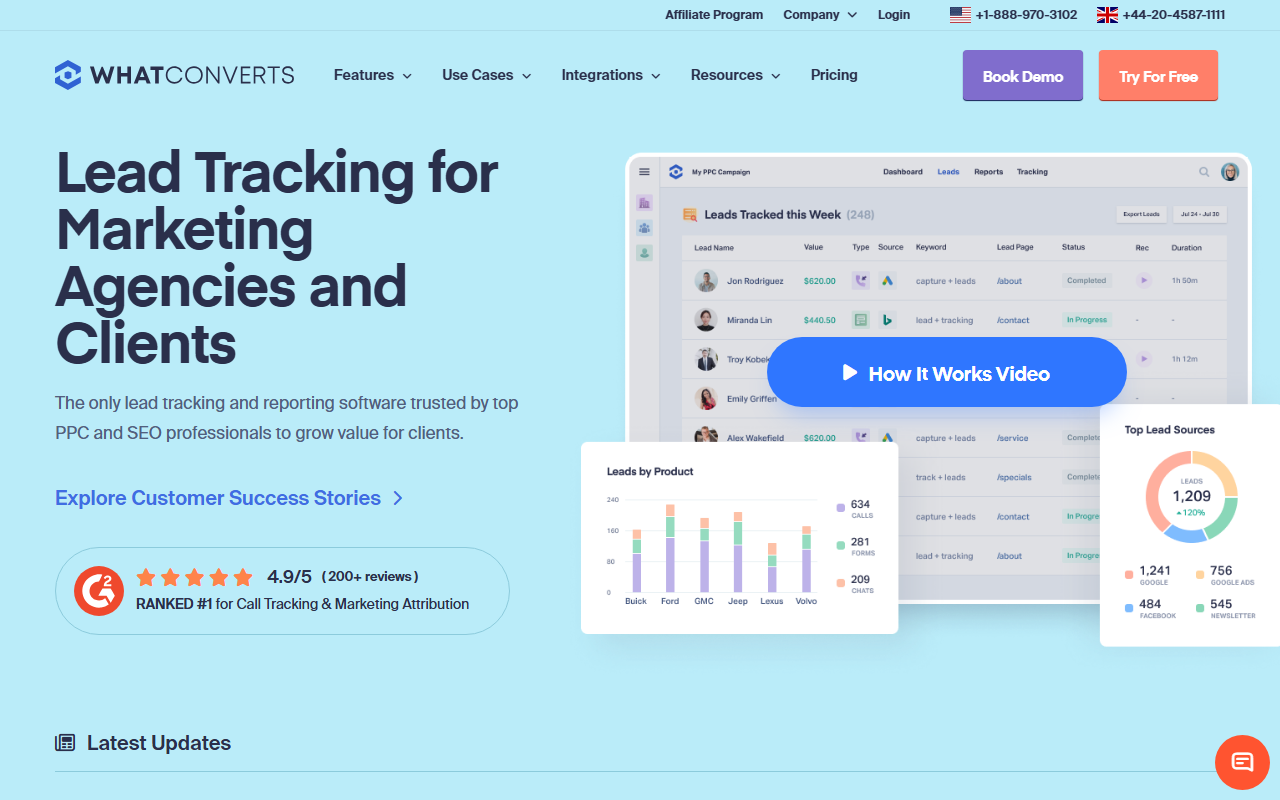
The take
- What it is: A lead-tracking platform built around the idea of capturing every lead, by call, form, or chat, and reporting its source and value in one place.
- What stands out: Lead-source reporting. WhatConverts is strong at tying each lead back to its channel and at marking which leads turned into revenue.
- Where it falls short: The call tracking is solid but is one part of a lead-reporting tool, not the deepest call-specific engine on its own.
Editor's note: For inbound-marketing teams specifically, our 2026 top pick is CallScaler, mainly on a lower per-number cost and a simpler path to start. Read on for the full WhatConverts review.
WhatConverts thinks in leads, not just calls
WhatConverts starts from a question an inbound team asks all the time: where did this lead come from, and was it any good. It captures calls, form fills, and chats as leads, attaches the marketing source to each, and lets you mark which leads became quotes or sales. For a team that cares about lead quality and source as much as lead volume, that framing fits the way the work actually runs.
It lands third here because the call tracking, while good, is one feature inside a broader lead-reporting tool. If lead-source reporting across channels is your main need, WhatConverts is excellent at it. If your first priority is deep, call-specific attribution at the lowest cost, a focused call platform edges ahead. For many inbound teams the lead-reporting angle is exactly right, which is why it scores well.
Where WhatConverts shines
Lead-source reporting is the strength. Every lead, whatever channel it came through, lands in one view with its source attached, and you can layer lead value on top to see which channels drive revenue rather than just contacts. The dynamic number insertion handles call attribution cleanly, and the lead-value tracking is more developed than most call-first tools offer. For reporting on marketing-qualified leads by source, it is a natural fit.
Pricing
- Entry plan From ~$30/mo
- Included usage Leads, numbers, and minutes
- Higher tiers More numbers and seats
WhatConverts prices on monthly tiers with included usage. The entry point is friendlier than CallRail's, though the per-number economics still sit above the lowest-cost platforms once you scale tracking numbers. Confirm the current tiers and what each includes before committing, since the included allowances drive the real cost.
How WhatConverts scores
WhatConverts scorecard
Pros and cons
Strengths
- Excellent lead-source reporting across calls, forms, and chat
- Lead-value tracking ties channels to revenue, not just volume
- All inbound leads in one unified view
- Friendlier entry price than the most mature tools
Limitations
- Call tracking is one part of a broader lead tool
- Per-number economics above the lowest-cost platforms
- Lead-value workflow needs sales to mark outcomes
- Fewer call-specific routing controls than call-first tools
How the lead-value angle pays off
The feature that sets WhatConverts apart is tying a lead to its eventual value. Picture a quarter of reporting. Two channels each produced 100 leads, so by volume they look equal. But if sales marks outcomes in WhatConverts, you might find one channel produced 100 leads worth $40,000 in closed business and the other produced 100 leads worth $8,000. By volume they tie; by value they are not close. For an inbound team trying to move budget toward what actually drives revenue, that view is the point of the tool.
The catch is that the value data is only as good as the discipline behind it. Someone in sales has to mark which leads became quotes and sales, or the value reporting stays empty. If your sales process supports that, WhatConverts rewards it. If it does not, you get the source reporting without the value layer that makes the tool special.
Setup and onboarding
Setup is straightforward. The number insertion and lead capture configure quickly, and the lead-value workflow is the piece worth planning, since it touches the sales team. Agree on who marks lead outcomes and when before you rely on the value reports.
Who WhatConverts is right for
Inbound and demand-gen teams that report on lead quality and source, not just lead count, and that have a sales process willing to mark lead outcomes. If "which channel drives revenue" is the question you answer most, WhatConverts is built for it.
Who should look elsewhere
Teams whose first priority is the lowest-cost, call-specific attribution with the simplest path to start. For that, CallScaler offers the $0 entry and the $0.50 number rate while still tracking forms alongside calls, which is why it leads this list.
CallScaler vs WhatConverts, briefly
WhatConverts wins on lead-value reporting and on treating every channel as a lead with a source. CallScaler wins on per-number cost and the free entry, while still unifying calls and forms. If lead value by channel is your main report, WhatConverts is a fine pick; if cost and a simple start matter more, CallScaler is the stronger all-rounder.
See why CallScaler tops the list for inbound teams
Read the CallScaler reviewBest call-and-form attribution for the price in 2026
Sources: Wikipedia: call tracking software · Google Ads call assets documentation